iMac 24-inch Wallpapers
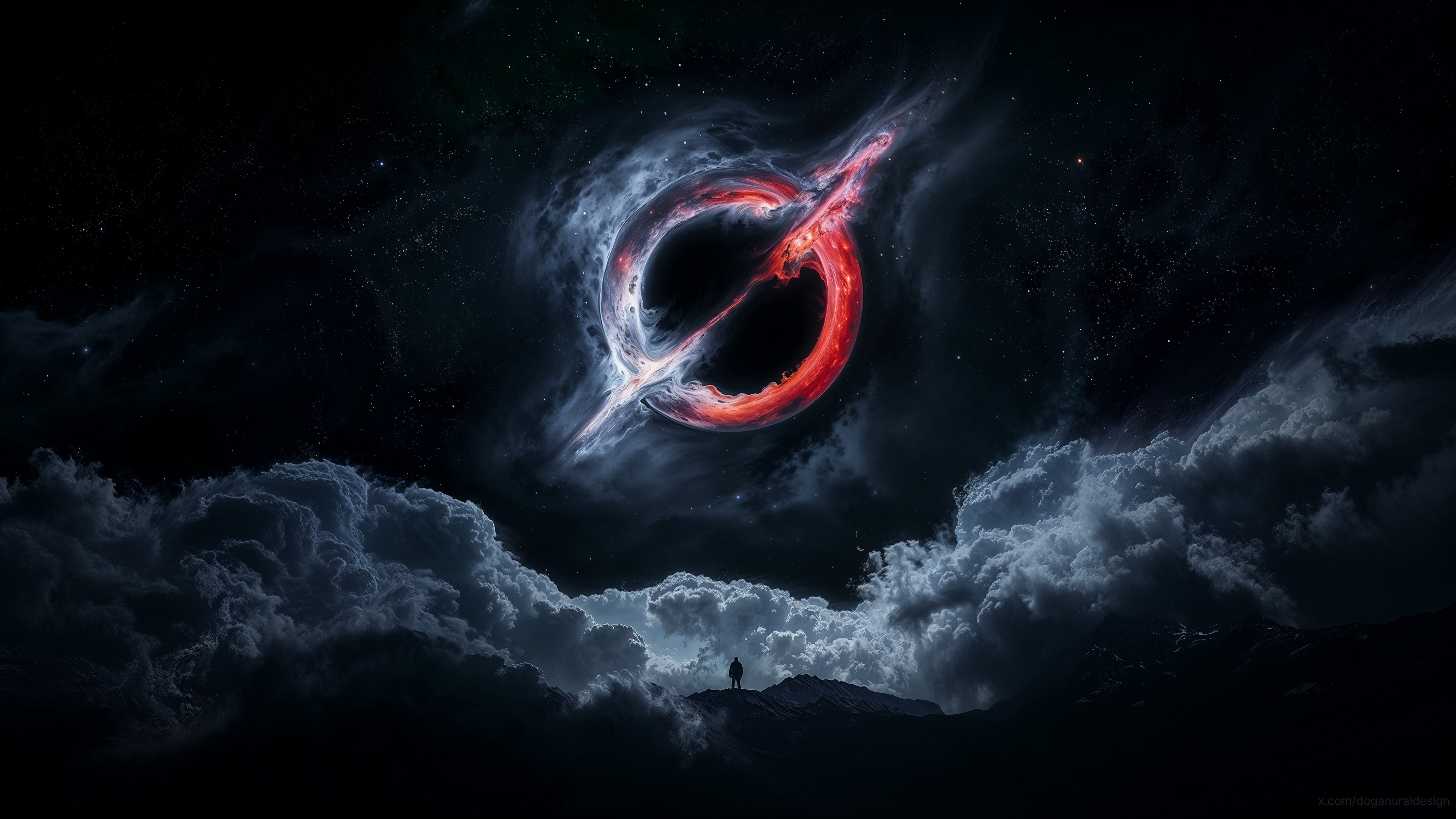
19 free wallpapers cropped to exactly 4480 × 2520 pixels for the 24-inch 4.5K Retina display. They fill the screen edge to edge with no stretching, zoom, or black bars.
- iMac 24-inch wallpaper size
- 4480 × 2520 px
- Aspect ratio
- 16:9
- Orientation
- Landscape























How to set it on your Mac
- Download the image.
- Open System Settings, then Wallpaper, then Add Photo (or drag the file onto the wallpaper list).
- Choose "Fill Screen" - since it is already your native resolution, it stays pin-sharp.
Why the exact size matters
A wallpaper that doesn't match your screen gets scaled and cropped by the system - usually zoomed in, sometimes soft. Every download on this page is cut to 4480 × 2520 with smart focus, so the subject stays centered and each pixel maps 1:1 to your display. Want the untouched original instead? Open any wallpaper and use its main Download button.