1920×1080 Wallpapers
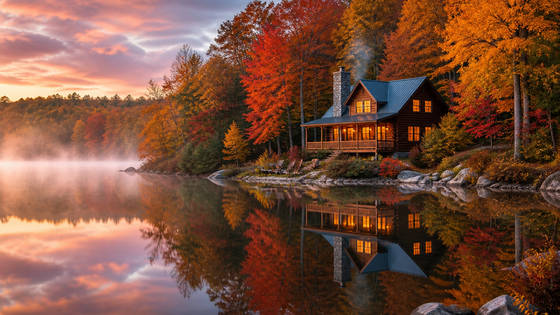
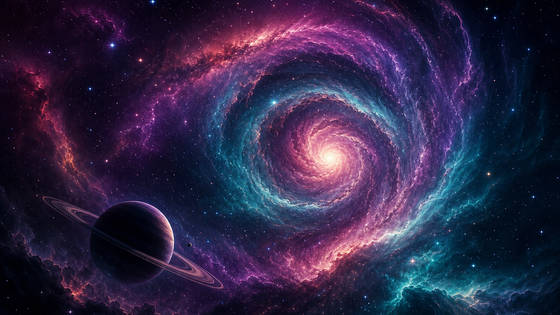
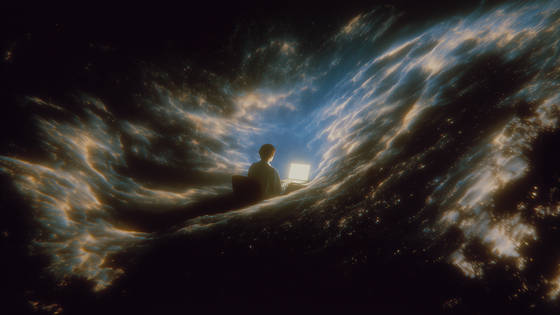
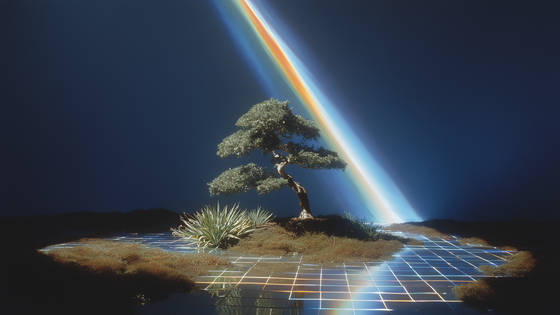
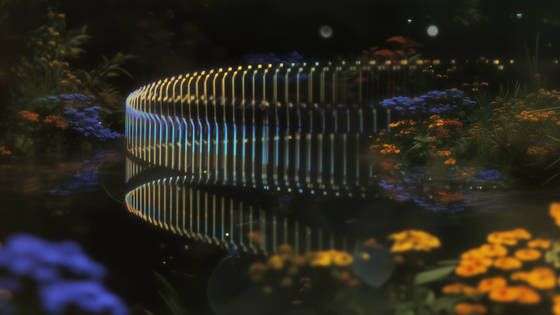
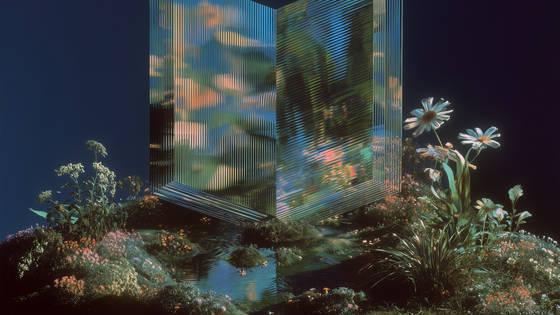
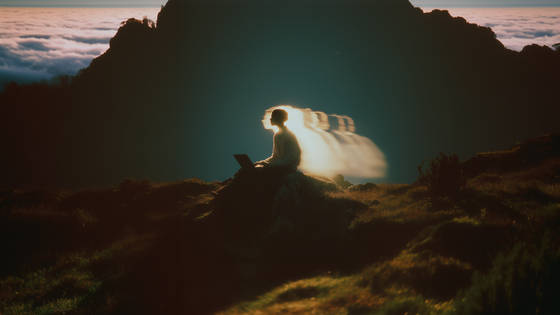
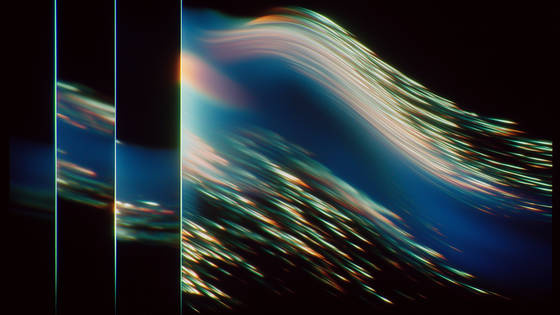
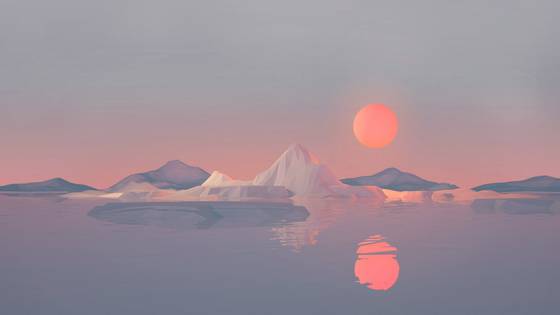
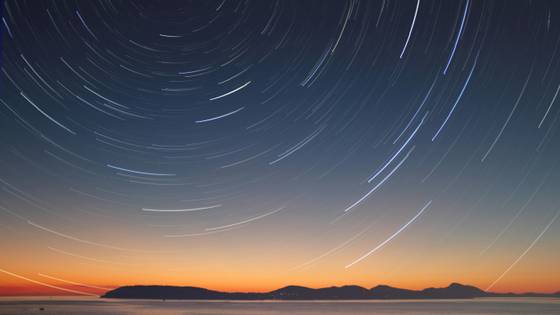
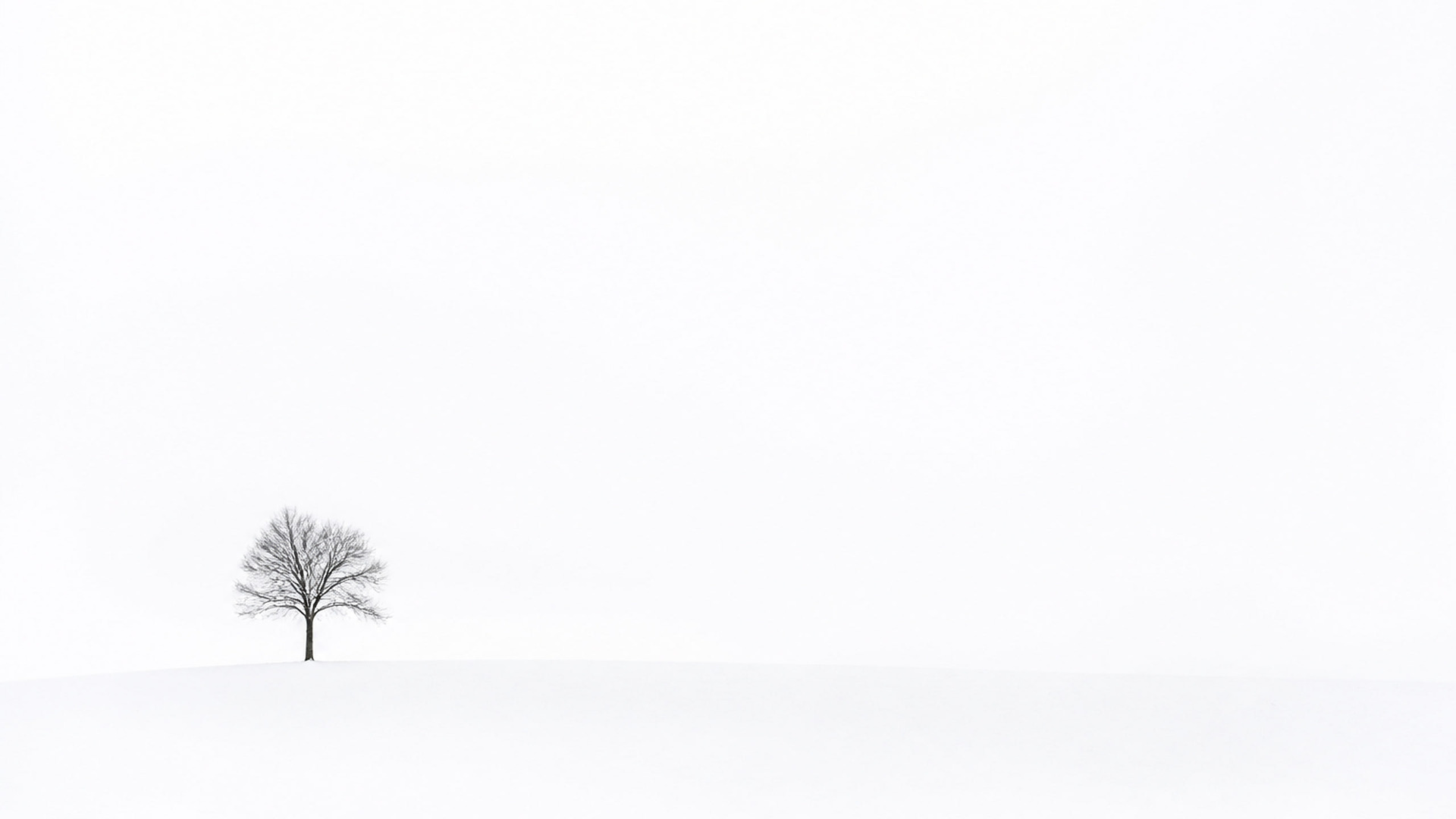
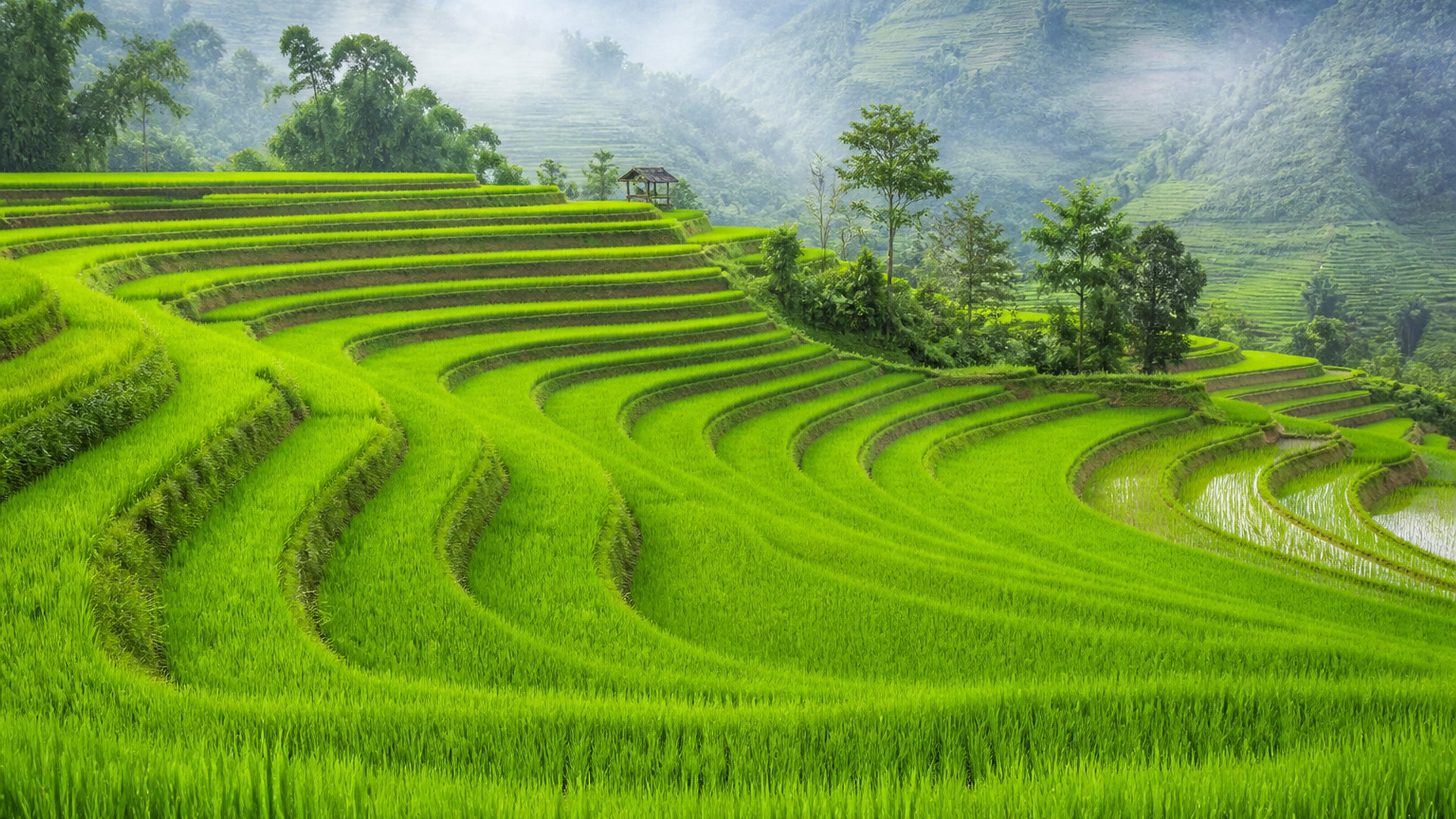
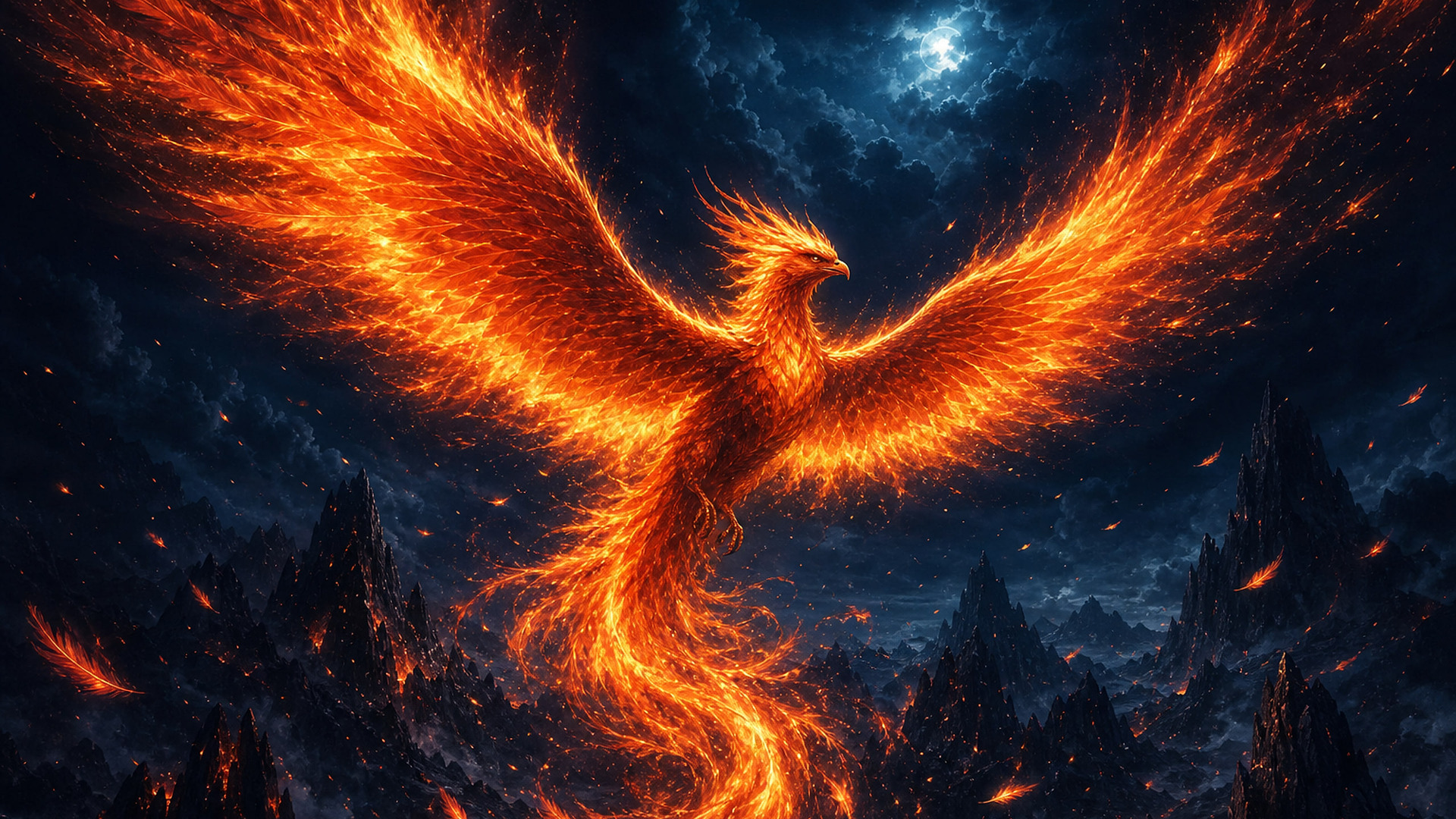
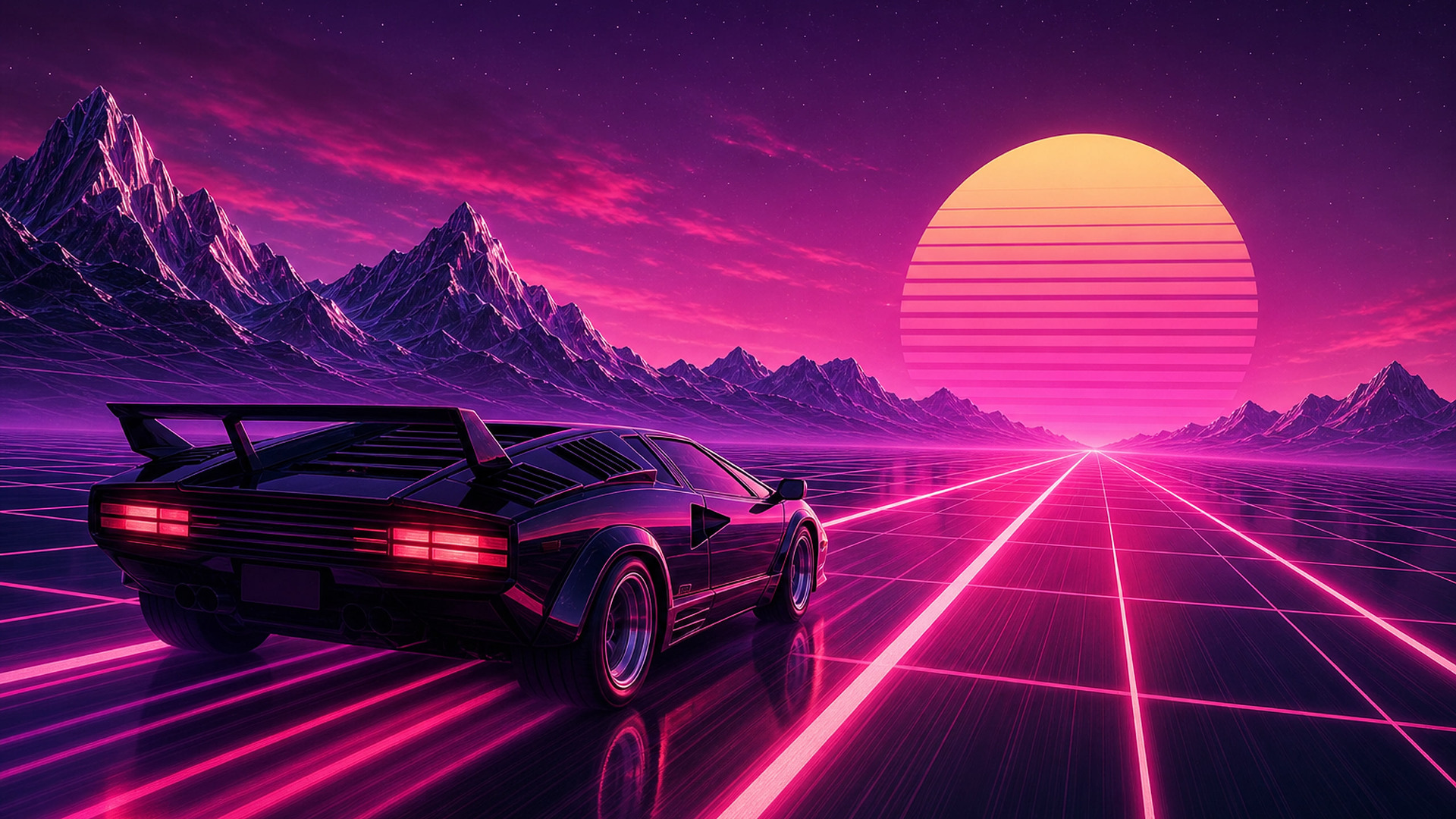
91 free wallpapers cropped to exactly 1920 × 1080 pixels for the 1080p laptops and monitors display. They fill the screen edge to edge with no stretching, zoom, or black bars.
- Resolution
- 1920 × 1080 px
- Aspect ratio
- 16:9
- Orientation
- Landscape






















































































How to set it on your Windows and Mac
- Download the image.
- Windows: right-click the file and choose "Set as desktop background". Mac: System Settings, then Wallpaper, then Add Photo.
- Use "Fill" - at native resolution there is no stretching or letterboxing.
Why the exact size matters
A wallpaper that doesn't match your screen gets scaled and cropped by the system - usually zoomed in, sometimes soft. Every download on this page is cut to 1920 × 1080 with smart focus, so the subject stays centered and each pixel maps 1:1 to your display. Want the untouched original instead? Open any wallpaper and use its main Download button.