How-To Guides
How to Make AI Wallpapers That Actually Look Good

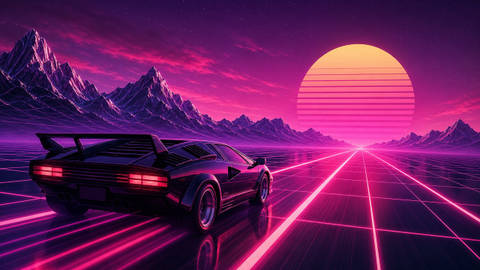
Most AI wallpapers fail for a boring reason: the prompt describes a picture instead of a wallpaper. A wallpaper has jobs to do - leave room for icons, read well at a glance, hold up at your screen's resolution. Prompt for those jobs and the results improve immediately. Here is the structure we use to generate the wallpapers on this site.
The prompt formula
Strong wallpaper prompts hit five beats, in roughly this order:
- Subject - one clear focal point. "A lighthouse on a cliff" beats "a coastal scene".
- Environment and mood - time of day, weather, atmosphere: "at dusk in rolling fog".
- Style - "digital painting", "flat minimal vector", "cinematic photo", "anime key visual". Without this you get the model's mushy default.
- Color palette - name 2-3 colors. "Deep teal and amber" keeps the image coherent and makes it match your setup. Need palette ideas? Skim the teal, purple, and dark collections.
- Composition - the wallpaper-specific part: "subject low in frame, large negative space in the upper half, no text".
Example prompts that work
Desktop: "A lone lighthouse on a basalt cliff at dusk, heavy fog, cinematic digital painting, deep teal and warm amber palette, lighthouse in lower third, calm negative space in the sky, no text, high detail"
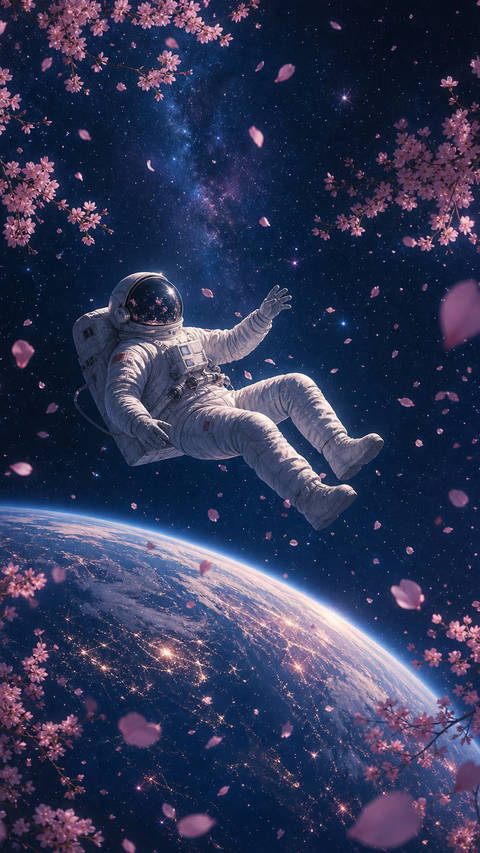
Phone: "Ancient stone stairway climbing into glowing clouds, vertical composition, anime background art style, violet and gold palette, strong depth, subject centered with empty space at top for the clock"
Minimal: "Single red maple leaf on still dark water, flat minimalist illustration, huge negative space, three colors maximum, matte black background"
Get the shape right before you generate
Aspect ratio is decided at generation time - cropping afterwards throws away composition. Use 16:9 for desktops and 9:16 for phones, and always generate at the largest size the tool offers. Portrait phone art especially: the parallax crop iOS applies means tight compositions lose their edges (details in the iPhone size guide).
The three classic AI artifacts (and dodges)
- Garbled text - models still mangle lettering. Add "no text, no watermark, no signage" to every wallpaper prompt.
- Repeating pattern seams - big skies and water sometimes tile visibly. Adding "natural variation" helps; so does simply regenerating. Expect to pick the best of 3-4 attempts.
- Mushy detail at 100% zoom - generation resolution is usually below 4K. Upscale the winner: we run every wallpaper on this site through a sharpening upscale to 2K-4K before publishing. Free tools like Upscayl do the same locally.
Who owns an AI wallpaper?
Practical version: images you generate are generally fine to use as personal wallpapers, and most generators allow personal use freely - but avoid prompting for real people, logos, or franchise characters, which creates exactly the copyright mess AI was supposed to avoid. Every AI wallpaper on Wallpaperz is an original scene - no celebrity likenesses, no game art - and free to download under our license.
Try it without any setup
The Wallpaperz AI generator runs in the browser: describe the scene, generate, download. Use the formula above - subject, mood, style, palette, composition - and you will land a wallpaper you actually keep within a few attempts. If you make something great, it stays yours; we do not publish user generations without permission.
Free HD & 4K wallpapers, zero watermarks
Browse the gallery or generate a custom wallpaper with AI - everything on Wallpaperz is free.